
2.6 KiB
2.6 KiB

Frappe Gantt
A modern, configurable, Gantt library for the web.
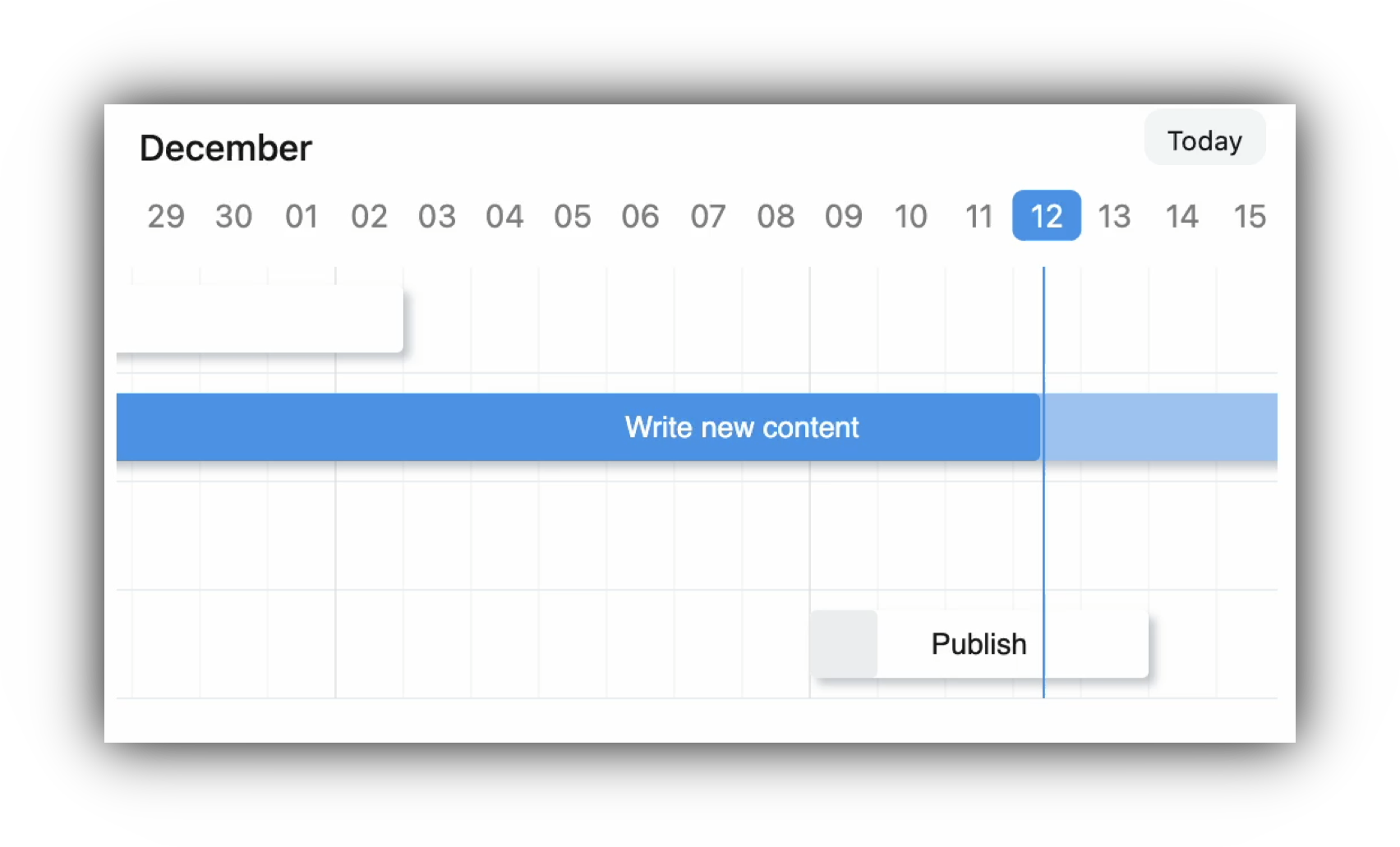
Frappe Gantt
Gantt charts are bar charts that visually illustrate a project's tasks, schedule, and dependencies. With Frappe Gantt, you can build beautiful, customizable, Gantt charts with ease.
You can use it anywhere from hobby projects to tracking the goals of your team at the worksplace.
ERPNext uses Frappe Gantt.
Motivation
We needed a Gantt View for ERPNext. Surprisingly, we couldn't find a visually appealing Gantt library that was open source - so we decided to build it. Initially, the design was heavily inspired by Google Gantt and DHTMLX.
Key Features
- Customizable Views: customize the timeline based on various time periods - day, hour, or year, you have it. You can also create your own views.
- Ignore Periods: exclude weekends and other holidays from your tasks' progress calculation.
- Configure Anything: spacing, edit access, labels, you can control it all. Change both the style and functionality to meet your needs.
- Multi-lingual Support: suitable for companies with an international base.
Usage
Install with:
npm install frappe-gantt
Include it in your HTML:
<script src="frappe-gantt.umd.js"></script>
<link rel="stylesheet" href="frappe-gantt.css">
Or from the CDN:
<script src="https://cdn.jsdelivr.net/npm/frappe-gantt/dist/frappe-gantt.umd.js"></script>
<link rel="stylesheet" href="https://cdn.jsdelivr.net/npm/frappe-gantt/dist/frappe-gantt.css">
Star using Gantt:
let tasks = [
  {
    id: '1',
    name: 'Redesign website',
    start: '2016-12-28',
    end: '2016-12-31',
    progress: 20
  },
  ...
]
let gantt = new Gantt("#gantt", tasks);
Development Setup
If you want to contribute enhancements or fixes:
- Clone this repo.
cdinto project directory.- Run
pnpm ito install dependencies. pnpm run buildto build files - orpnpm run build-devto build and watch for changes.- Open
index.htmlin your browser. - Make your code changes and test them.
