# Frappe CRM
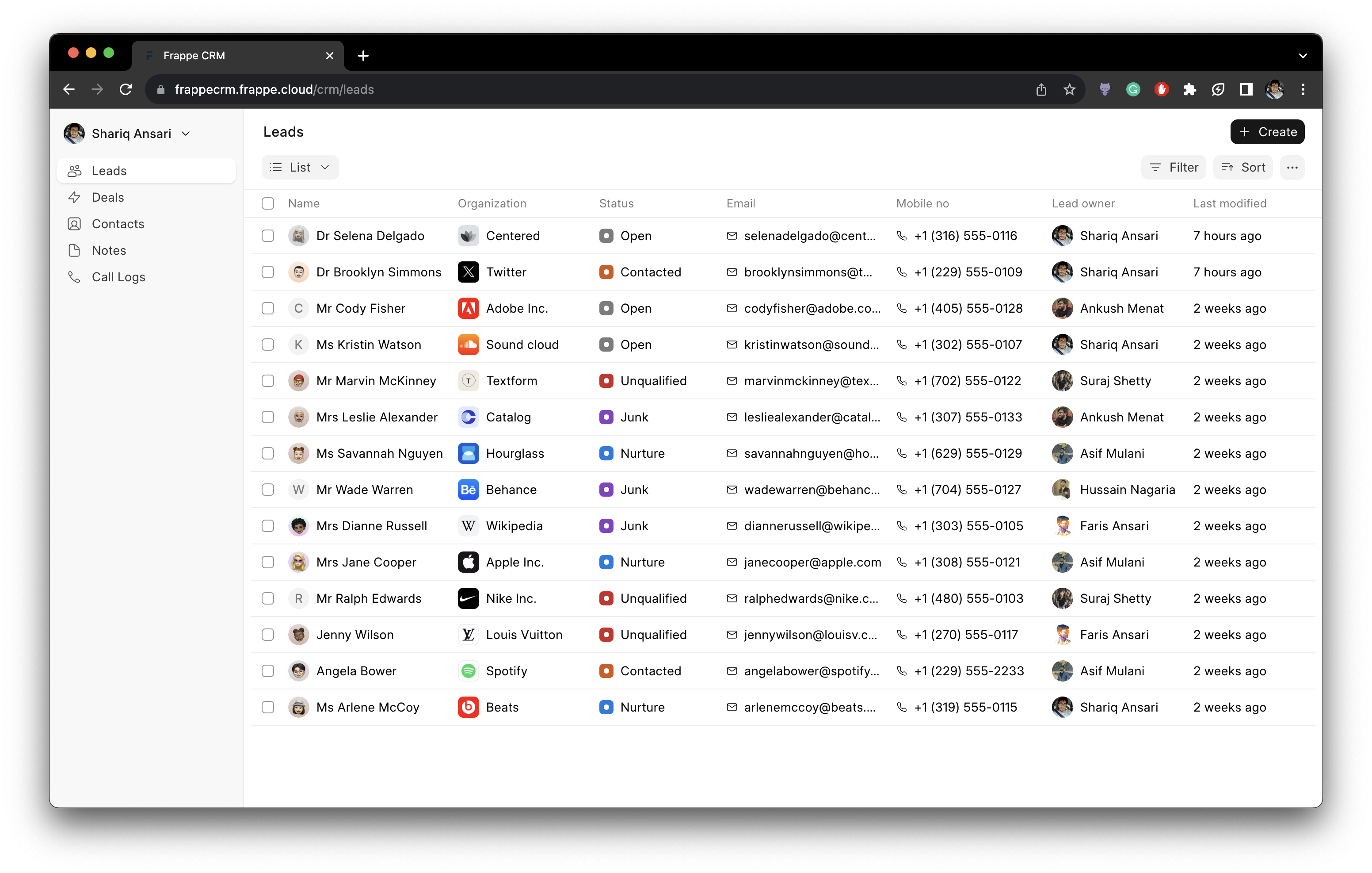
Frappe CRM is modern, open-source, CRM solution to supercharge your sales operations.
## Key Features
- **Views:** Create custom views which is a combination of filters, sort and columns.
- **Pinned View:** Pin important leads and deals in the sidebar.
- **Public View:** Share views to all users.
- **Saved View:** Save views for later use.
- **Email Communication:** Send and receive emails directly from the Lead/Deal Page.
- **Email Templates:** Create and use email templates for faster communication.
- **Comments:** Add comments to leads and deals to keep track of the conversation.
- **Notifications:** Get notified when someone mentions you in a comment.
- **Service Level Agreement:** Set SLA for leads and deals and get notified when the SLA is breached.
- **Assignment Rule:** Automatically assign leads and deals to users based on the criteria.
- **Tasks:** Create tasks for leads and deals.
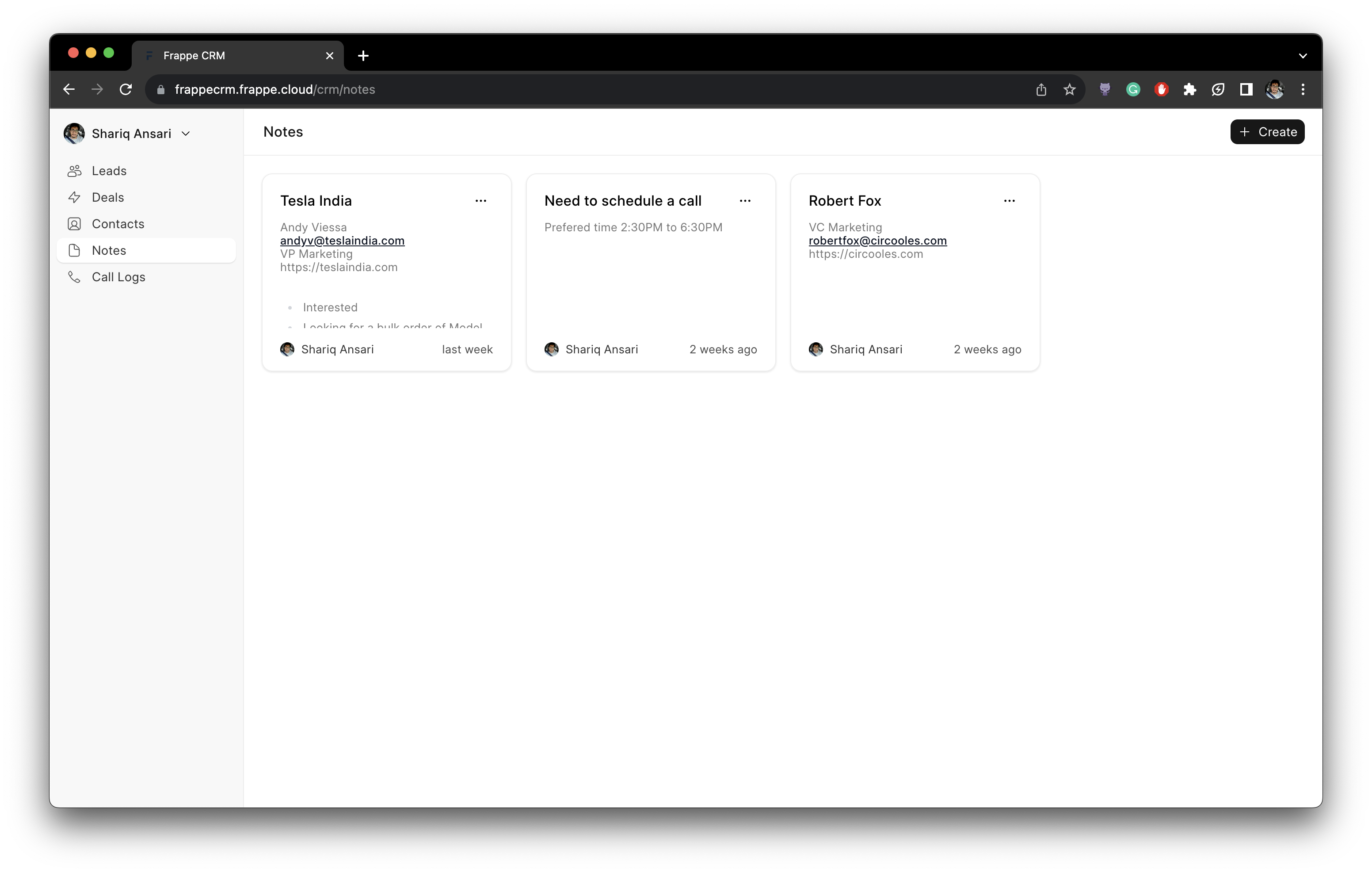
- **Notes:** Add notes to leads and deals.
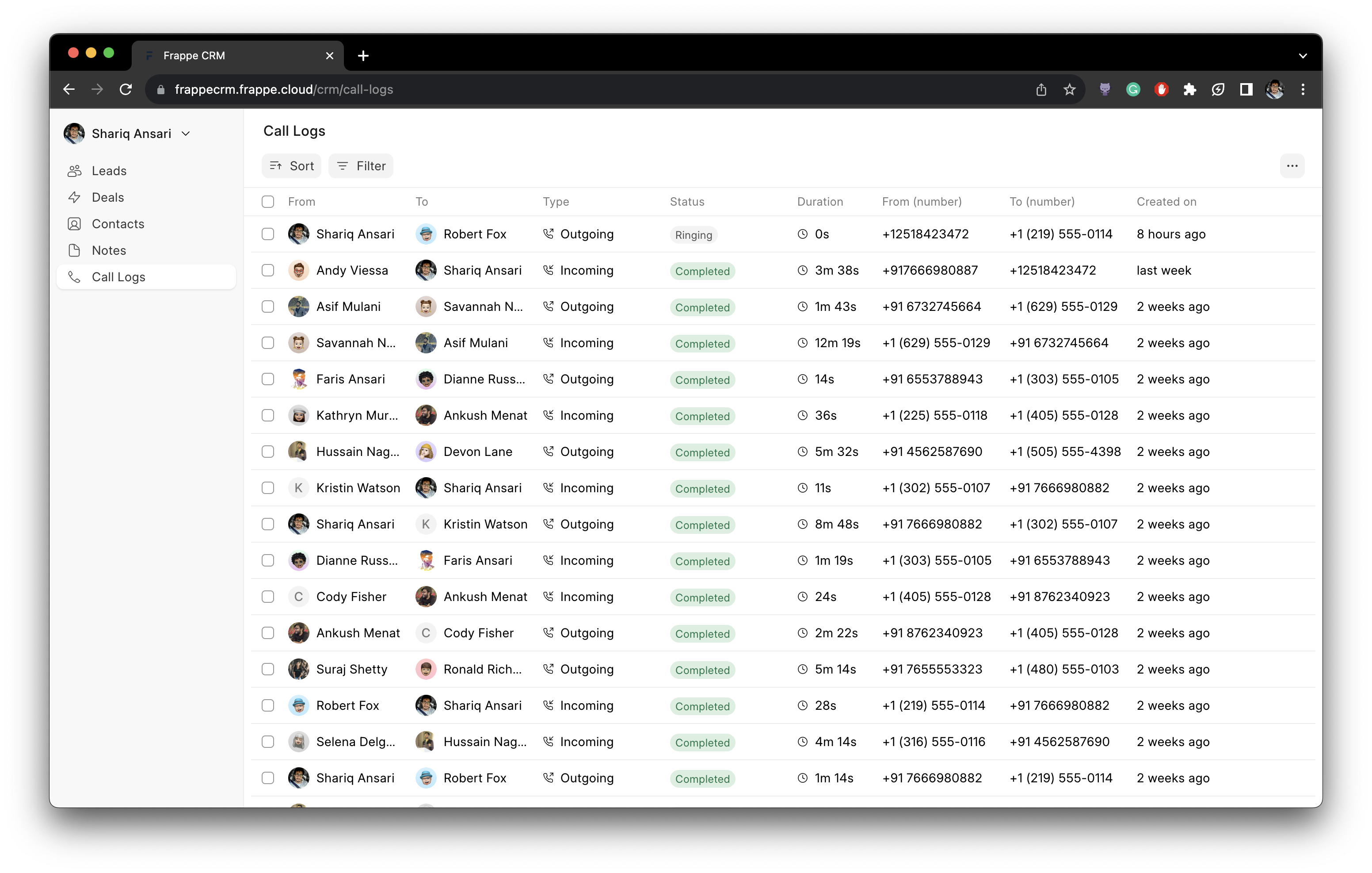
- **Call Logs:** See the call logs with call details and recording.
- **Twilio Ingegration:** Integrate Twilio to make and receive calls from the CRM.
## Getting Started
### Self-hosting
If you prefer self-hosting, follow the official [Frappe Bench Installation](https://github.com/frappe/bench#installation) instructions.
## Want to Just Try Out or Contribute?
### Codespaces
1. Open [this link](https://github.com/codespaces/new?hide_repo_select=true&ref=master&repo=587413812&skip_quickstart=true&machine=standardLinux32gb&devcontainer_path=.devcontainer%2Fdevcontainer.json&geo=SoutheastAsia) and click on "Create Codespace".
2. Wait for initialization (~15 mins).
3. Run `bench start` from the terminal tab.
4. Click on the link beside "8000" port under "Ports" tab.
5. Log in with "Administrator" as the username and "admin" as the password.
6. Go to `