 96f0dc1926
reduce the size of the logo a bit so that second chart is not too much out of view. It cannot be gauranteed that it will be in view in lesser resolutions though. In this comit it is on the same position as it was earlier

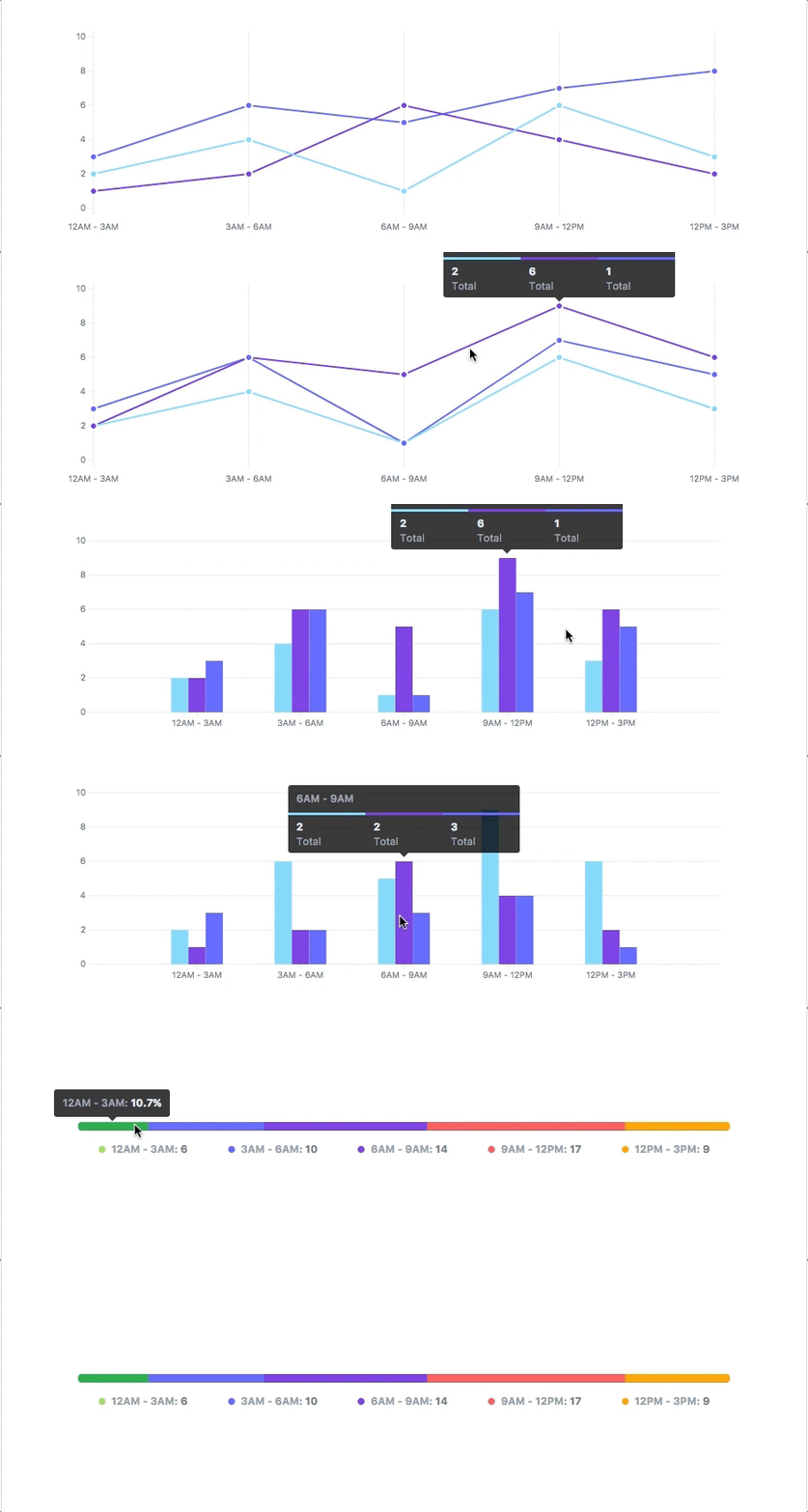
More information at the website: https://frappe.github.io/charts
Core build: ~14kb gzipped
Usage
Install
npm install frappe-charts
Include it in your html:
<script src="frappe-charts.min.js"></script>
Make a new Chart:
let data = {
  labels: ["12am-3am", "3am-6am", "6am-9am", "9am-12pm",
    "12pm-3pm", "3pm-6pm", "6pm-9pm", "9pm-12am"],

  datasets: [
    {
      title: "Some Data", color: "light-blue",
      values: [25, 40, 30, 35, 8, 52, 17, -4]
    },
    {
      title: "Another Set", color: "violet",
      values: [25, 50, -10, 15, 18, 32, 27, 14]
    }
  ]
};

let chart = new Chart({
  parent: "#chart",
  title: "My Awesome Chart",
  data: data,
  type: 'bar', // or 'line', 'scatter', 'percentage'
  height: 250
});
If you want to contribute:
- Clone this repo.
cdinto project directorynpm installnpm run dev
License: MIT